

Download aVia Media Player – media player, cast to TV, Chromecast, Apple TV, Roku, WebOS, Android app, free media player, stream music, stream video, stream photos, cast from phone, cast to smart TV, media casting, cloud storage, NAS, social media photos
Overview
Key Features & Capabilities
- Multi-Device Casting Support – Enables streaming to Chromecast, Apple TV, Roku, and WebOS-enabled TVs, allowing users to project content from their Android device to a larger display.
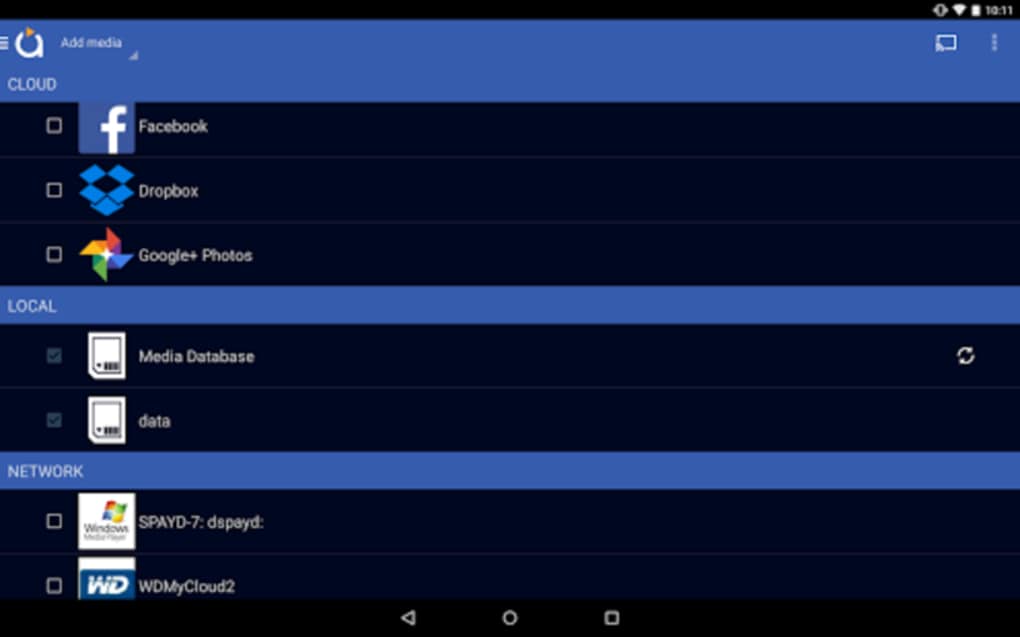
- Unified Media Access – Supports playback from cloud storage, NAS, social media platforms (Facebook, Google+ Photos), and other Android devices, centralizing media access in one interface.
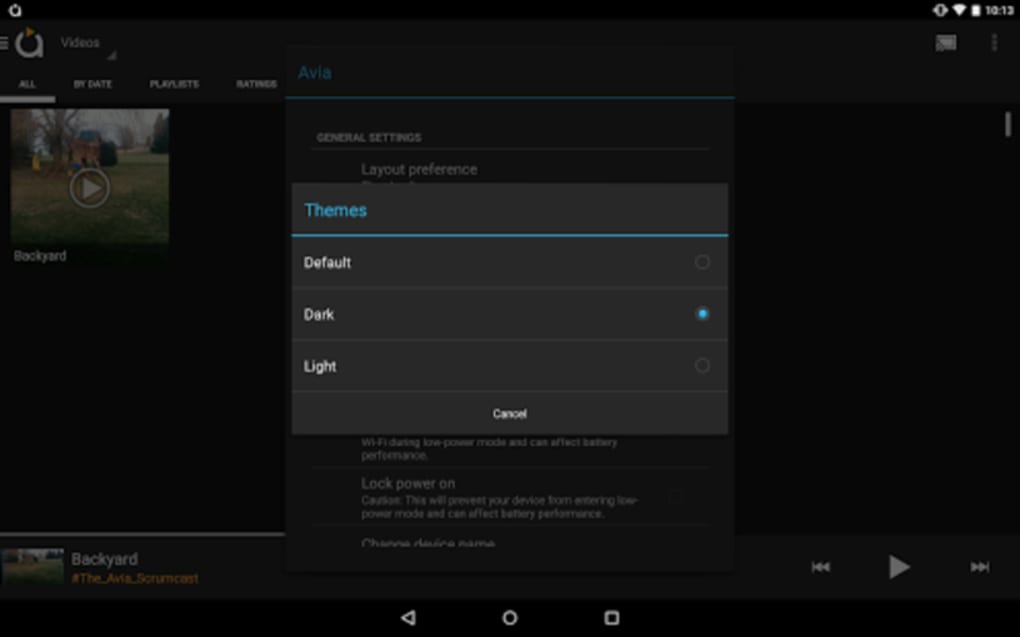
- Enhanced User Interface – Features updated icons, improved themes, and smoother navigation for a more intuitive and visually appealing experience.
- Remote Playback Control – Allows users to manage playback (play, pause, skip, volume) directly from their phone or tablet while content streams to the TV.
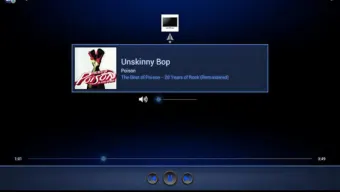
- Rich Media Display – Shows album artwork and artist images on the TV screen during music playback, enhancing visual engagement.
- Compatibility Guidance – Offers troubleshooting tips for common casting issues, such as missing Chromecast icons or codec incompatibilities.
User Interface, Workflow & Performance
The user interface of aVia Media Player is designed with simplicity and responsiveness in mind. Navigation is structured around a clean, intuitive layout that prioritizes quick access to media categories such as videos, music, and photos. The updated icons and customizable themes contribute to a modern, visually consistent appearance across different screen sizes. Users can browse content hierarchically or search by title, date, or source. Workflow efficiency is enhanced by the ability to initiate casting with minimal steps, typically involving a single tap on a device icon after selecting content. The app maintains smooth transitions between screens and responsive feedback during playback control. Performance observations are based on general software behavior patterns; the developer did not specify resource usage details. No information was provided about CPU or RAM consumption during operation. Stability during extended casting sessions remains unverified, though the app’s recent update suggests ongoing maintenance and optimization. The interface is designed to minimize user friction, with clear visual cues and accessible controls.Compatibility & System Requirements
aVia Media Player is designed for Android devices and is compatible with the latest versions of the operating system. The app has a file size of 23.5 MB, indicating a lightweight installation that should not significantly impact device storage. The developer did not specify exact system requirements, including minimum Android version, processor, or RAM specifications. Compatibility information was partially provided, focusing on supported casting devices rather than device capabilities. Users are advised to ensure their receiving devices (e.g., Chromecast, Apple TV) support the media codecs used by their content, as some hardware may have limited decoding capabilities compared to a PC. The app’s functionality depends on both the sender (Android device) and receiver (TV or streaming device) being on the same local network. No information was provided about offline usage or cloud-based synchronization beyond the listed sources.Pros and Cons
- Free to download and use with no in-app purchases
- Supports casting to multiple popular smart TV platforms
- Centralized access to cloud, NAS, and social media media sources
- Improved UI with updated icons and themes
- Remote playback control from mobile device
- Displays album artwork and artist images on TV
- Exact system requirements were not listed
- No information on CPU or RAM usage
- Codec compatibility may vary by receiving device
- Dependent on local network stability for casting
- Support for social media platforms like Google+ Photos may be limited due to platform deprecation
FAQ Section
Is aVia Media Player available for iOS devices?
The app is currently available only for Android. No information was provided about iOS compatibility or future plans.
Can I cast media without an internet connection?
Casting requires both the sender and receiver to be on the same local network. While no internet connection is needed for the cast itself, the initial media access may require connectivity depending on the source.
Is the app safe to use?
aVia Media Player is a free app developed by Videon Central. It does not require excessive permissions, but users should review access rights during installation. The app is distributed through official Android channels.
How often does the app receive updates?
The app has recently been updated to version 2.1.4, indicating active development. However, the release frequency was not specified.
Does the app support offline playback?
While the app allows access to locally stored media, the casting function requires a network connection. Offline playback on the Android device is possible, but the app’s primary function is casting, which depends on network availability.






.png)
